- Visit the Administration page.
Add a Metric
- Click on ‘Add New Row’.
- Fill in the Friendly Name of the metric and the SQL to pull it from your data source, then hit “Update Metric”.

Update a Metric
- Click on the field you want to edit, and modify it.

DANGER ZONE
Delete a Metric
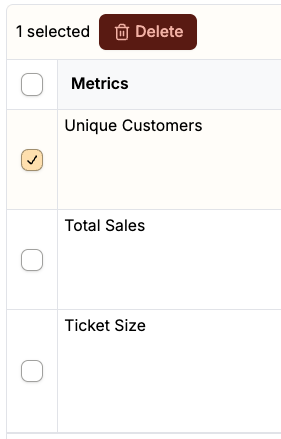
- Select the relevant Metric, then Click “Delete”.
- Confirm your decision, and the metric will be deleted.